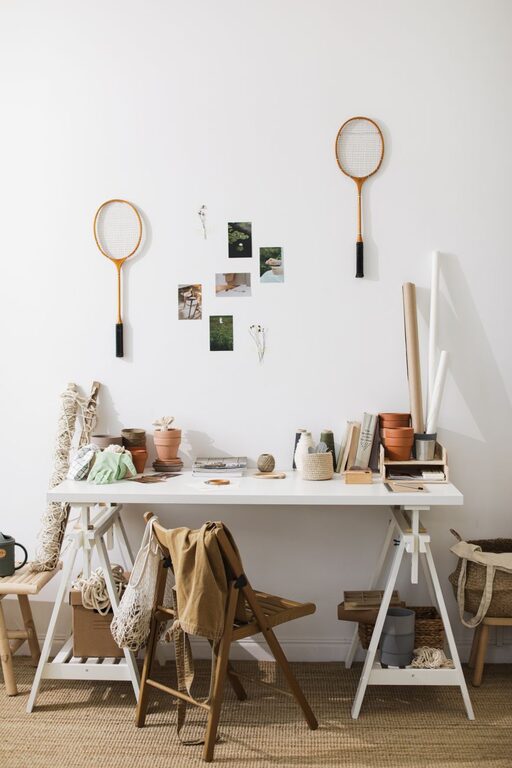
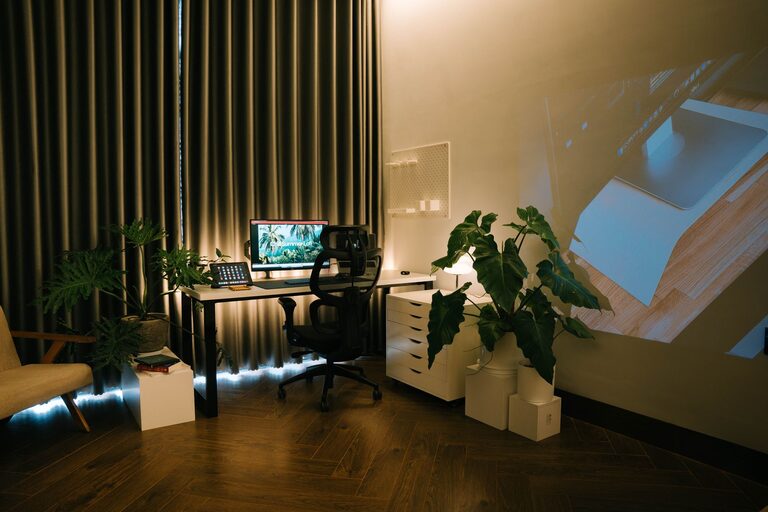
Creating a relaxing home workspace is essential for anyone working remotely or spending significant time at home on projects. A well-designed workspace can boost your productivity, reduce stress, and help you maintain a healthy work-life balance. Here, we’ll walk you through practical steps to transform your home office into a calm and inviting environment.
Why a Relaxing Workspace Matters
A cluttered or uncomfortable workspace can negatively impact your focus and motivation. On the other hand, a relaxing and well-organized area helps you feel at ease, reduces mental fatigue, and encourages consistent productivity. By investing in your workspace, you invest in your overall well-being.
Choosing the Right Location
Find a Quiet Spot
Select a corner or room where you can concentrate without frequent interruptions. Avoid noisy areas like near the TV or busy household spaces.
Consider Natural Light
If possible, position your desk near a window to take advantage of natural light. It helps reduce eye strain and boosts mood.
Control Your Environment
Ensure you can control the room’s temperature, lighting, and noise levels to suit your preferences.
Furniture and Ergonomics
Invest in a Comfortable Chair
Choose an ergonomic chair that supports your back and promotes good posture. Comfort is key to avoiding aches during long work sessions.
Select an Appropriate Desk
Your desk should be spacious enough for your computer, notes, and essentials without feeling cramped.
Maintain Proper Posture
Arrange your monitor at eye level and keep your keyboard and mouse within easy reach to minimize strain.
Organizing Your Space
Declutter Regularly
Keep only the items you need on your desk to create a clean and focused environment.
Use Storage Solutions
Incorporate shelves, drawers, or organizers to store supplies and documents neatly.
Personalize Thoughtfully
Add a few personal touches like photos or small plants, but avoid overcrowding the area.
Adding Relaxing Elements
Incorporate Plants
Indoor plants can improve air quality and bring a touch of nature, which is calming and refreshing.
Choose Soothing Colors
Soft, neutral tones or pastels can create a peaceful atmosphere.
Use Soft Lighting
Consider adding a desk lamp or string lights with warm bulbs to create a cozy ambiance.
Managing Technology
Minimize Digital Distractions
Use apps or tools that block distracting websites during work hours.
Keep Cables Tidy
Use cable organizers or clips to prevent tangled cords, which can cause stress and clutter.
Invest in Quality Equipment
A good headset, keyboard, or mouse can make work smoother and more comfortable.
Establishing Work Routine and Boundaries
Set Clear Work Hours
Having defined start and end times helps separate work from leisure.
Take Regular Breaks
Short breaks help reset your mind and prevent burnout.
Create a Shutdown Ritual
At the end of the day, tidy up and turn off devices to signal the end of work.
Maintenance and Upkeep
Clean Your Workspace Daily
A quick wipe and organization routine keeps your space inviting.
Refresh Periodically
Rearrange or update decor to keep the area stimulating but not distracting.
Check Ergonomics Regularly
Adjust your setup if you notice discomfort or changes in your work habits.
Conclusion
Designing a relaxing home workspace doesn’t require extensive renovations or spending a lot of money. By focusing on comfort, organization, and ambiance, you can create a space that supports your productivity and well-being. Remember, your workspace should inspire and motivate you—make it a place where you look forward to spending your workday.